- HR:+91-879-9184-787
- Sales:+91-908-163-7774


In today’s digital era, messaging apps have become an integral part of our daily lives, connecting friends, family, and businesses across the globe. WhatsApp has long been the dominant player in this space, but new entrants like Arattai are gaining attention for offering innovative features tailored to modern users. Designed with a focus on speed, security, and enhanced user experience, Arattai is emerging as a strong contender, especially for users and businesses in India looking for localized solutions.
What makes Arattai truly remarkable is its combination of business integrations, lightweight performance, and scalable communication tools. From personal chats to enterprise-level collaboration, it is designed to cater to both individual users and organizations. In this blog, we will explore five standout features of Arattai that differentiate it from WhatsApp, along with insights on how businesses can leverage this platform. Additionally, we’ll discuss how companies like Artoon Solutions can build customized apps like Arattai to meet specific communication needs, making it relevant for both personal and professional use.
Arattai was developed by Zoho Corporation, led by founder Sridhar Vembu, leveraging over 10 years of experience in building enterprise communication and collaboration software. Zoho’s industry-leading commitment to user privacy and data security forms the backbone of Arattai, ensuring it is a messaging app built on trust, reliability, and secure communication.
This strong foundation delivers a fast, lightweight, and highly secure messaging platform that caters to both personal and professional users. Its integration with tools like the Zoho Arattai App further enhances business communication, enabling seamless collaboration, workflow automation, and team productivity. By combining Zoho’s enterprise expertise with innovative features tailored to Indian users, Arattai stands as a trusted and scalable alternative to global messaging apps, with a core focus on privacy, efficiency, and user experience.
Arattai is an Indian messaging app that provides secure, fast, and efficient communication for both individuals and businesses. While it shares basic functionalities with WhatsApp, such as text messaging, voice notes, and media sharing, it introduces enhanced features that make it uniquely valuable.
By combining these capabilities, this appeals not only to casual users but also to small and medium businesses seeking efficient communication tools.
You may also want to know AI Credit Scoring
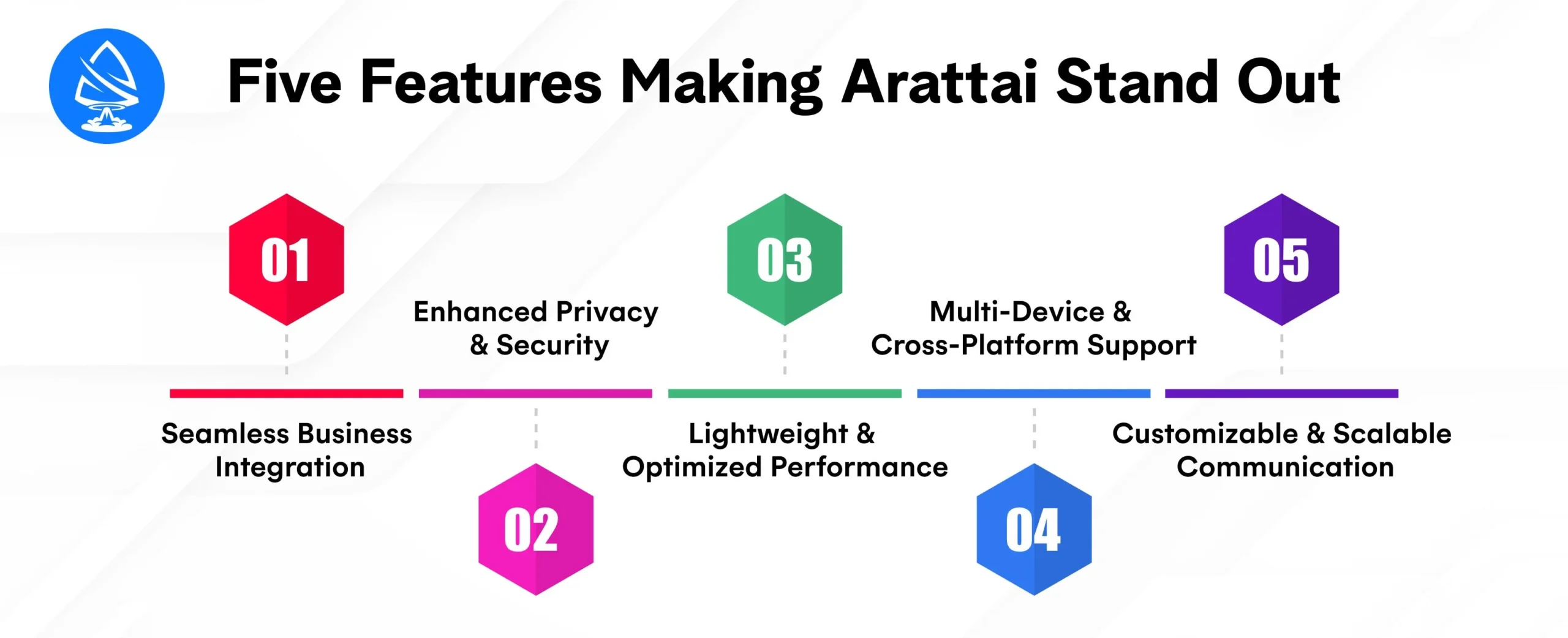
Unlike WhatsApp, Arattai is designed to integrate with business productivity tools such as the Zoho Arattai App. This makes it a robust platform for enterprises looking to centralize communications.
Example: A sales team can receive real-time lead updates from Zoho CRM directly in Arattai, enabling faster responses and improved client engagement.
Advantage over WhatsApp: WhatsApp Business provides limited CRM integrations, whereas Arattai offers deeper connections with enterprise tools, streamlining professional workflows.
Security is a growing concern for users and businesses alike. This emphasizes data protection through advanced privacy features:
Example: A healthcare startup can safely share sensitive patient information within its team, confident that all communication is secure.
Advantage over WhatsApp: While WhatsApp uses encryption, this provides enhanced controls for businesses, including localized storage and regulatory compliance options.
Arattai’s architecture is optimized for low bandwidth and older devices:
Example: Rural businesses with inconsistent network coverage can reliably communicate using Arattai without performance issues.
Advantage over WhatsApp: WhatsApp is heavier on resources, especially when sending multiple media files, which can slow down older devices or consume more data.
It enables synchronized access across multiple devices, offering flexibility and convenience for professional and personal users:
Example: A startup founder can access project discussions on their smartphone, tablet, and desktop, ensuring timely decision-making.
Advantage over WhatsApp: While WhatsApp supports multiple devices, it enhances session management and synchronization for enterprise users.
Arattai allows for personalization and scalability, accommodating individual users as well as businesses with growing teams:
Example: A digital marketing agency can create campaign-specific groups, assign responsibilities, and track progress all within Arattai.
Advantage over WhatsApp: WhatsApp lacks native task management and advanced collaboration features, making Arattai more suitable for team-based professional communication.
You may also want to know Google AI Tools for Developers
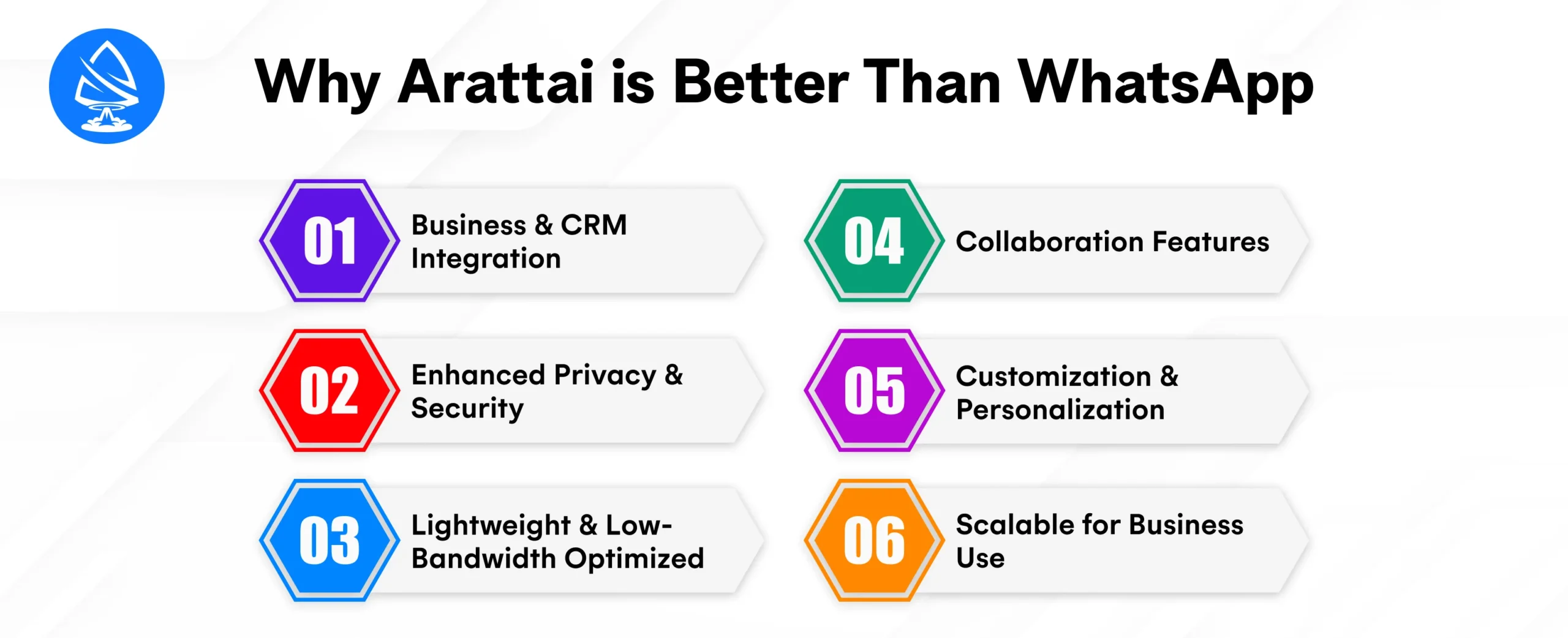
When it comes to messaging apps, WhatsApp has long dominated the global market with its extensive user base and reliable features. However, it is emerging as a strong contender, especially in India, by offering innovative features that cater to both personal and professional communication needs. A side-by-side comparison of key features highlights how Arattai distinguishes itself and why businesses and individual users might consider switching or integrating it into their workflow.
Key Takeaway: For businesses looking to connect internal communication with productivity tools, it provides a more scalable and integrated approach.
Key Takeaway: Arattai provides enhanced privacy features tailored for enterprises and users concerned about sensitive data security.
Key Takeaway: Arattai ensures consistent performance and quick media transfers, even in network-constrained environments.
Key Takeaway: Businesses and professionals benefit from Arattai’s enhanced multi-device functionality, ensuring seamless communication across platforms.
Key Takeaway: For professional teams and enterprises, this offers a more versatile platform that combines messaging with collaboration and workflow management.
While WhatsApp remains popular globally, this offers unique advantages that make it stand out, especially for Indian users and businesses.
Example: A sales team can receive CRM updates directly in Arattai and respond without switching apps.
For businesses or startups looking to develop a messaging app similar to Arattai, Artoon Solutions offers comprehensive development services:
Partnering with a mobile app development company like Artoon Solutions ensures your app meets modern communication standards while adding unique features to stand out in the market.
Arattai is quickly emerging as a robust alternative to WhatsApp, particularly in India, thanks to its business-friendly integrations, enhanced privacy, lightweight performance, multi-device access, and scalable collaboration features. It is designed to meet the needs of both personal users and professional teams, providing a localized, secure, and efficient messaging experience.
For businesses and entrepreneurs interested in creating similar messaging platforms, partnering with Artoon Solutions offers the expertise to build custom, AI-integrated, cross-platform communication solutions. By embracing these innovations, organizations can improve team productivity, enhance customer engagement, and gain a competitive edge in the digital communication space.
Ready to build a messaging app like Arattai? Use our Cost Calculator or contact Artoon Solutions to develop a tailored, AI-powered messaging solution today!
1. What is Arattai?
Arattai is an Indian messaging app designed for fast, secure, and customizable communication for both personal and business users.
2. How does Arattai differ from WhatsApp?
Arattai offers better business integrations, enhanced privacy, lightweight performance, multi-device sync, and advanced collaboration tools.
3. Can Arattai integrate with Zoho?
Yes, Arattai integrates with the Zoho Arattai App and other productivity tools for streamlined business communication.
4. Is Arattai secure?
Yes, Arattai offers end-to-end encryption, customizable privacy settings, and optional local data storage for sensitive business information.
5. Can Arattai handle large enterprise teams?
Yes, it supports scalable groups, task assignments, and administrative controls suitable for large teams.
6. Does Arattai work on multiple devices?
Yes, Arattai supports synchronized access across Android, iOS, and web platforms with advanced session management.
7. Can Artoon Solutions build an app like Arattai?
Yes, Artoon Solutions can create custom messaging apps with AI integration, cross-platform support, and secure communication features.
8. Is Arattai optimized for low-bandwidth networks?
Yes, it is lightweight and designed to perform efficiently even on limited internet connections.

Artoon Solutions
Artoon Solutions is a technology company that specializes in providing a wide range of IT services, including web and mobile app development, game development, and web application development. They offer custom software solutions to clients across various industries and are known for their expertise in technologies such as React.js, Angular, Node.js, and others. The company focuses on delivering high-quality, innovative solutions tailored to meet the specific needs of their clients.
 For business inquiries only




